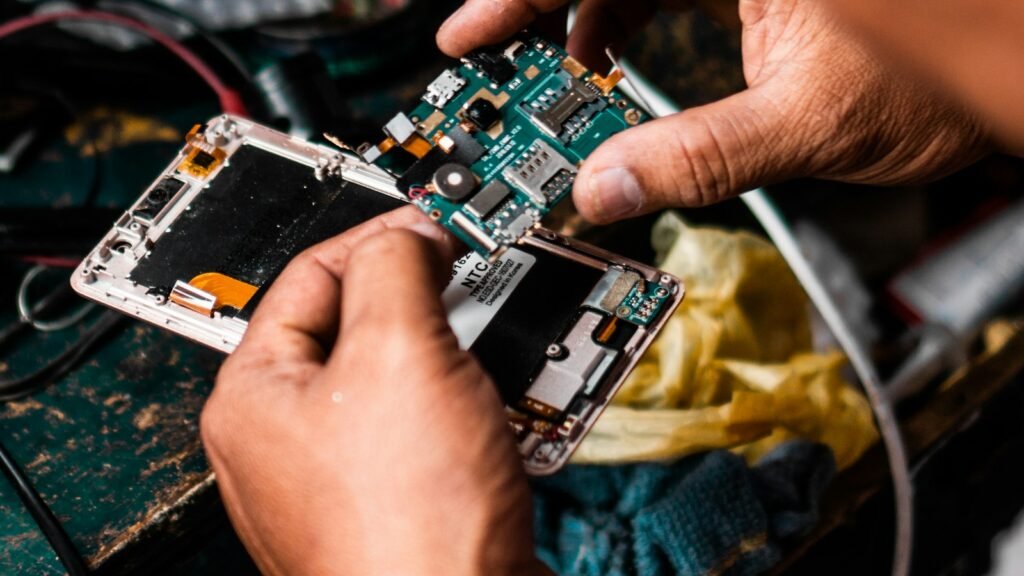
Quick answer: A good mobile repair shop checks the problem before starting, explains the cost and time clearly, and stands behind the work with a guarantee. Before handing over the phone, back up your photos and contacts. On CityKaam you can open the Mobile Repair listings for your city and area, then call or WhatsApp them directly, completely free.
When a phone falls and the screen cracks, or the battery dies by noon, life becomes difficult. But the wrong repair shop can put both your data and your phone’s original parts at risk.
This guide explains what to do before handing over your phone, what to ask the shop, and how to find a mobile repair shop near you on CityKaam.
If you are a business owner reading this, there is a section near the end on how to list your own business on CityKaam for free.
When do you need a mobile repair shop?
- The screen or touch is broken
- The battery drains fast or the phone overheats
- Charging does not work or the port is loose
- The phone fell in water
- Software problems or the phone keeps hanging
- The speaker, mic or camera stopped working
How to choose a good mobile repair shop
These six checks take a few minutes on the phone and save you from most bad experiences.
1. Back up your data
Before handing over the phone, back up your photos and contacts.
2. Ask about part quality
Ask whether the screen will be original, copy, OLED or LCD, and what the price difference is.
3. Watch small repairs
Where possible, have small jobs done in front of you.
4. Get a warranty slip
Ask how many days of warranty the screen or battery has, and get it in writing.
5. Protect your password
Do not share your password unless needed, and change it after the repair.
6. Choose a nearby shop
If the problem comes back, it is easy to return.
Create a WhatsApp message for a mobile repair shop
Pick the problem and your city. Your message is ready to copy and send on WhatsApp.

- Copy the message.
- Tap WhatsApp on a listing and paste it.
- Agree the cost and time before the work starts.
Questions to ask before you book
- Is the screen original or a copy?
- How long will the repair take?
- How many days of warranty?
- Will my data stay safe?
- Can I get the old part back?
Common jobs and typical time
These are typical estimates. The actual time depends on the condition of the job, so confirm with the mobile repair shop before work starts.
| Job | Typical time | What to check |
|---|---|---|
| Screen replacement | 30 minutes to 2 hours | Screen type and warranty |
| Battery replacement | 20 to 60 minutes | Battery capacity |
| Charging port | 30 to 60 minutes | Test in front of you |
| Water-damaged phone | 1 to 3 days | Switch it off and bring it quickly |
| Software or flashing | 1 to 3 hours | Backup first |
What affects the cost?
Repair costs depend on the phone model and whether the part is original or a copy. Original screens cost much more but look and feel better. Ask for both prices and decide based on how long you plan to keep the phone.
A simple habit helps: send a photo or short video of the problem on WhatsApp, ask for a rough estimate, and confirm the final price before the work begins. Most disagreements happen when nothing was agreed upfront.
A simple checklist for the day of the work
- Confirm the arrival time on WhatsApp the evening before, so you are not left waiting.
- Keep the area ready: move furniture, clear the space and keep water or power access handy if the job needs it.
- Stay nearby while the mobile repair shop explains what they found. Ask them to show you the problem, not just describe it.
- If the cost changes once the work starts, ask why before saying yes. A good professional will explain the reason clearly.
- Before paying, check the result yourself and ask for the guarantee in a WhatsApp message with the date.
Keep that message and the mobile repair shop's number saved. If the same problem comes back within the guarantee period, you have everything you need to call them back without an argument.
Why a local directory beats random numbers
Most people find a mobile repair shop through a number written on a wall, a sticker on a pole or a forward in a family group. Those numbers rarely tell you who the person is, which area they cover, or whether anyone else has used them. A local directory puts the name, service, area and contact details in one place, so you can compare two or three options in a minute.
On CityKaam, each business adds its own details and accepts that they are shown publicly. You contact them directly, so there is no booking fee and no middleman adding to the price. If you use someone and they do good work, you help your neighbours too, because the next person searching in your area finds them faster.

Mistakes to avoid
- Repeatedly switching on a water-damaged phone
- Handing over a phone without a backup
- Fitting a cheap battery that swells
- Not taking a warranty slip
How to find a mobile repair shop near you on CityKaam
- Open the Mobile Repair listings.
- Choose your city and area. Tick “Open now” if you need someone today.
- Read the listing details, then tap Call or WhatsApp to contact them directly.
Prefer to speak instead of type?
Tap the mic on the CityKaam homepage and say what you need, for example “I need a mobile repair shop in Peoples Colony”. If you cannot find what you need, post it on the Questions and Needs page and others will reply.
Do you work as a mobile repair shop?
List your business on CityKaam for free. Add your name, service, mobile number and city, and your listing goes live straight away in Pakistan, the UK or the USA. Add your business
Related guides
- How to Book a Driver or Rent a Car Safely
- How to Choose the Right Caterer for Weddings and Events
- How to Choose a Good Home and Office Cleaning Service
- All services A to Z
Frequently asked questions
What should I do if my phone falls in water?
Switch it off immediately, do not charge it, and take it to a repair shop quickly.
When should I replace the battery?
When the phone cannot last half a day or the battery looks swollen.
What is the difference between copy and original screens?
Originals have better colour, touch and lifespan. Copies are cheaper.
Will repair delete my data?
Most hardware repairs do not, but software work can. Always back up first.